Using the supplied product photo as the exact reference, design a lifestyle / in-use scene panel for an e-commerce product detail page. Product: Davat Jeera Soda. Keep the product's identity, design, material and colour faithful to the photo; it may bend, drape or fit naturally when worn or used. Stage a fitting background and scene freely — just never redesign the product itself. Place the product in a realistic lifestyle environment fitting the mood, with natural light. Render this on-image text in English: headline "Your Daily Refreshment", sub-text "The perfect companion for every meal". Render 2 paired bilingual sell-points, each as a small uppercase English label "COMPLEMENTS MEALS" above "Enhances every dining experience"; small uppercase English label "PORTABLE SIZE" above "Convenient 160ml bottle". Visual style: cinematic and richly textured; colour palette deep amber brown, warm gold, rich terracotta, white. Consistent type system across the whole series: ONE clean sans-serif, clear headline / sub-text / label hierarchy, consistent alignment and spacing. Platform style: clean trust-focused Amazon A+ detail style, benefit-driven layout, professional retail polish, generous whitespace. Balanced text with a clear product focus. Premium e-commerce finish, high-end retail polish, conversion-driven aspirational mood that makes the viewer want to buy. Vertical detail-page panel, consistent width for clean vertical stacking. Polished, professional typography. This panel is ONE of a multi-panel product-detail series sharing the SAME typography system, colour palette, label style and layout grid — only the panel CONTENT differs between panels. Avoid: watermark, QR code, website URL text, real-world brand logos, cluttered or overcrowded layout.
AutoAGC workflow
Turn it into a reusable workflow
Copy the prompt text and keep the role, task, model, style, and output constraints.
Paste it into GPT Image or a comparable model with your reference material or workflow brief.
Replace the final constraints for output format, brand voice, language, and execution objective.

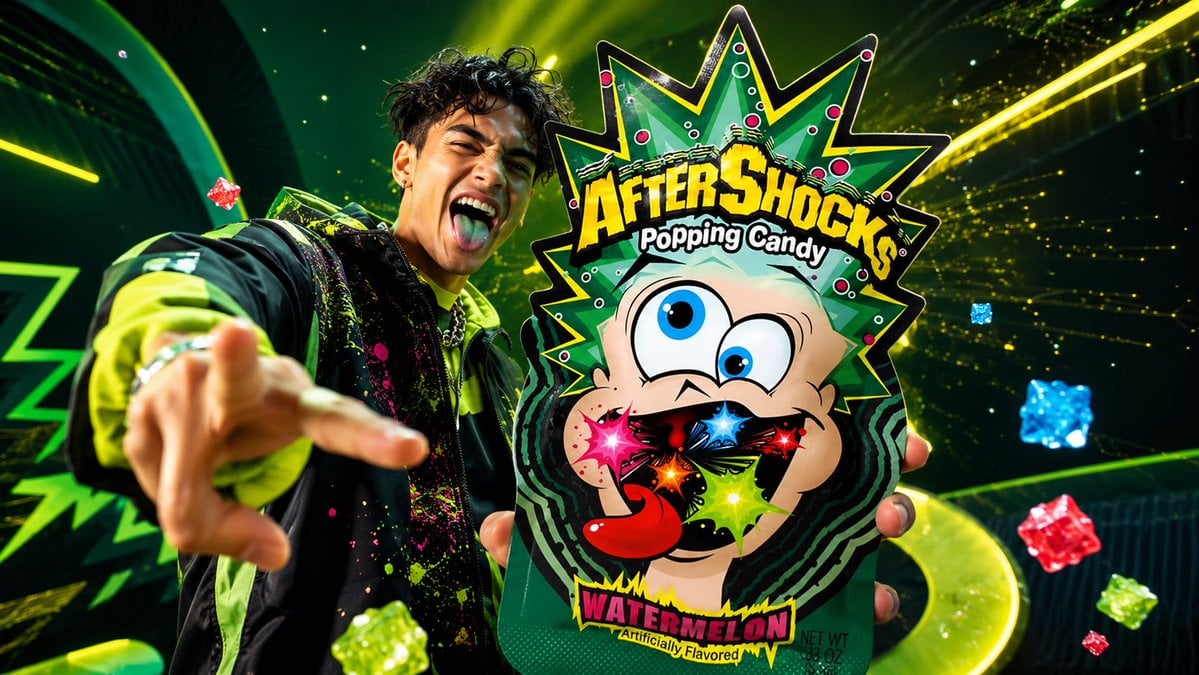 GPT ImageUse the uploaded product image as the one and only produc...@AZIZ | AI 🇸🇦
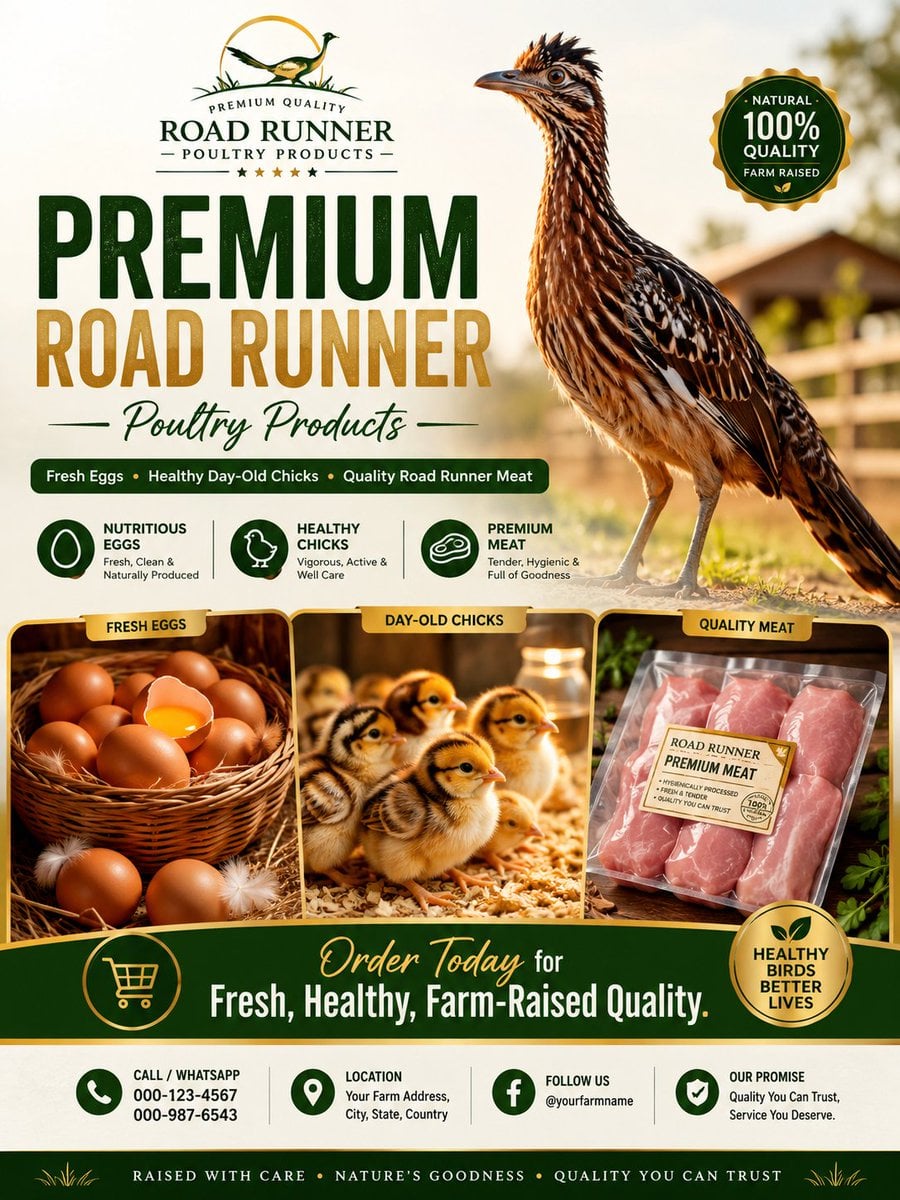 GPT ImageDesign a premium, ultra-realistic commercial advertising ...@Abkr Sadiq
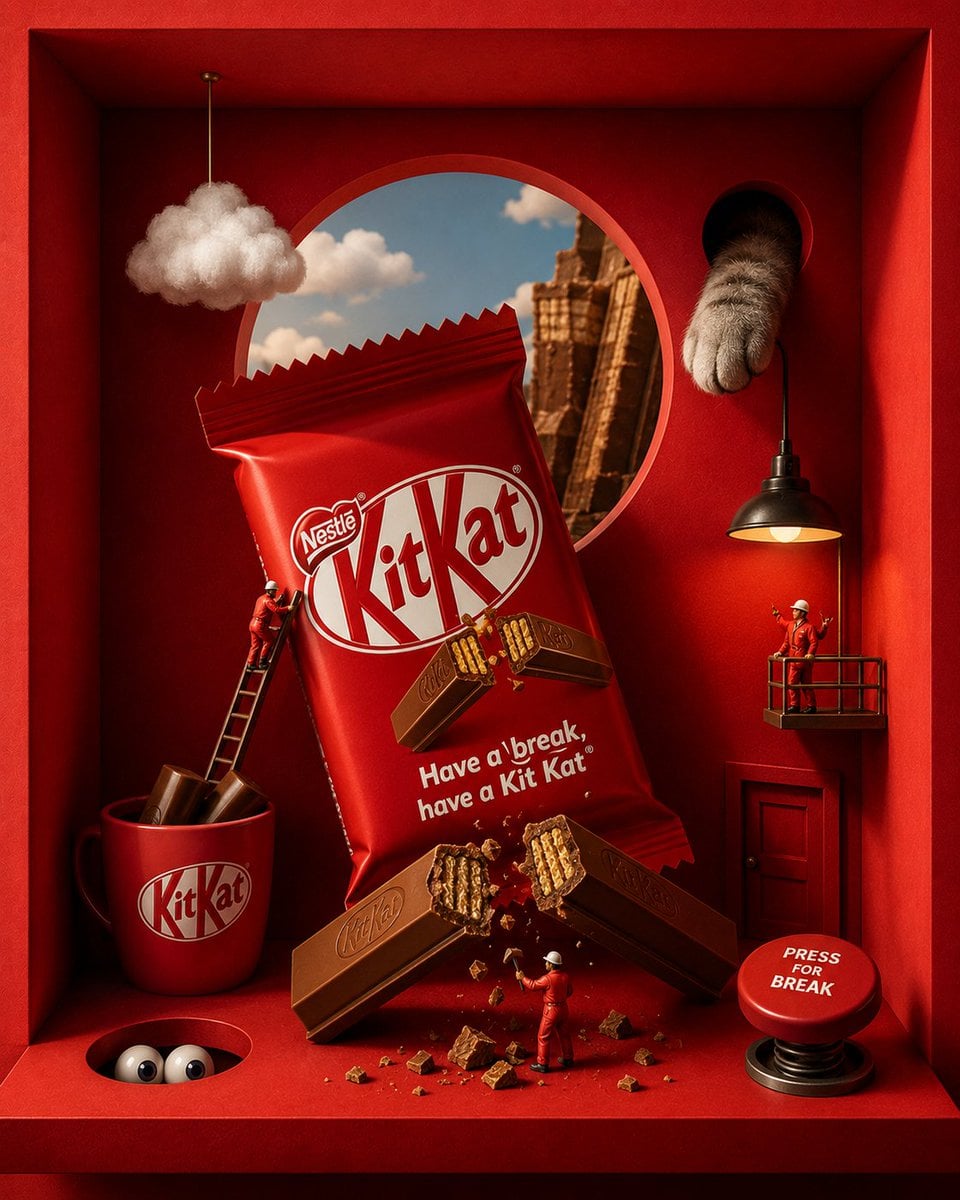 GPT ImageACT AS: A world-class luxury commercial art director, surreal product photographer, cinematic set designer, and premium AI advertising stylist creating hyper-detailed boxed-diorama brand ads for famous snack and candy brands.@Mira
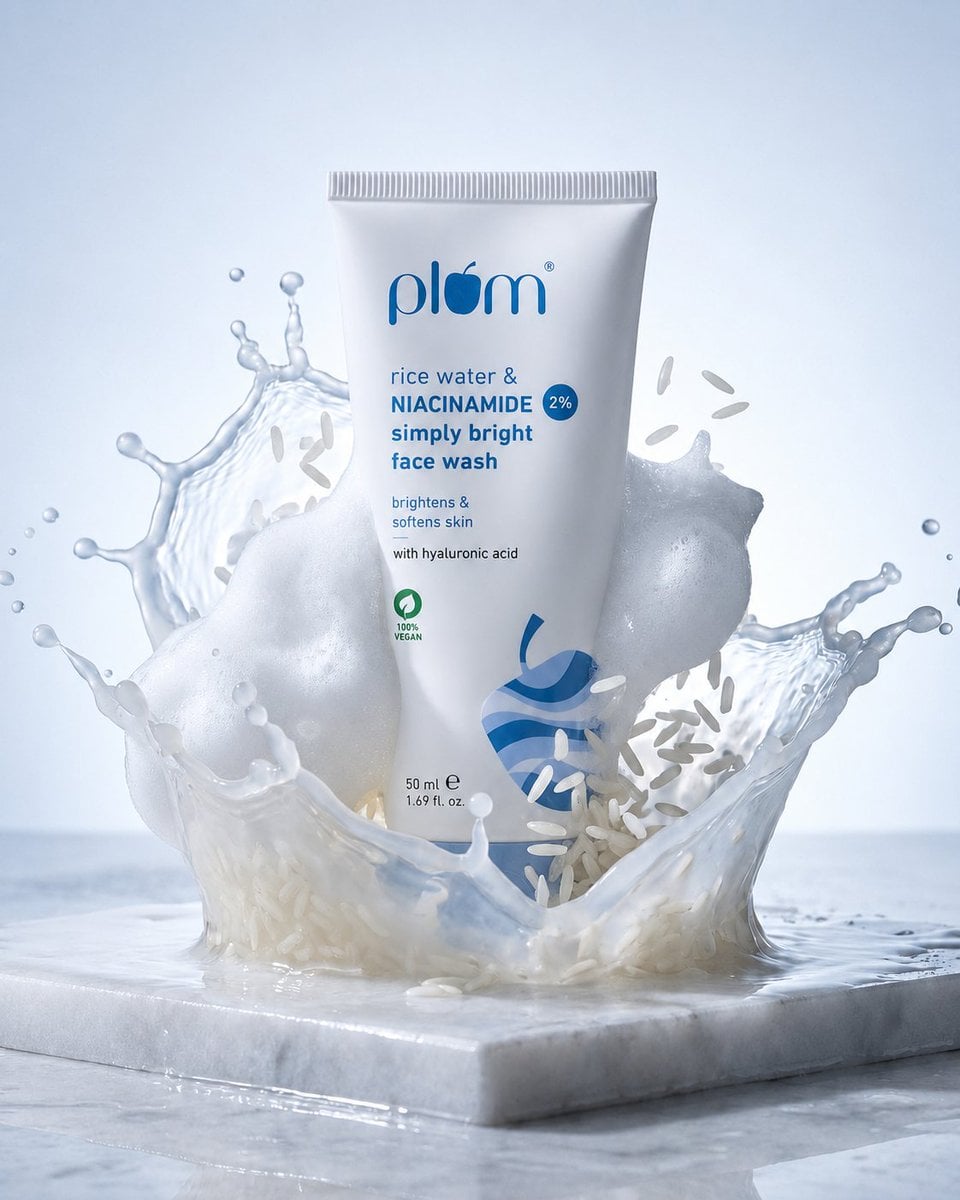 GPT ImageMeiGen Product Prompt 2063093177972932750@Maercih