Create a premium, minimalist, scroll-stopping static Meta ad creative in 4:5 ratio using the uploaded Magnetic STEM Toy product photo as the hero element.The product should be large, sharp, colorful, and positioned prominently in the center of the composition with a subtle premium shadow and depth effect.The background should be extremely clean and uncluttered, inspired by modern DTC brands. Use a soft premium gradient based on Littelia's brand colors, with plenty of negative space.On one side of the image, show only a child's small hands actively building a colorful magnetic structure. No face visible. The structure should look creative and impressive but realistic.The rest of the composition should remain intentionally minimal.Create a strong visual contrast by showing:A few ordinary toys faded out and blurred in the distant backgroundThe Magnetic STEM Toy brightly illuminated and visually dominantThis instantly communicates: "Kids lose interest in other toys, but not this one."Add a bold, mobile-friendly Bengali headline:"সব খেলনা একরকম নয়"Smaller supporting line:"কিছু খেলনা বাচ্চার সত্যিকারের সঙ্গী"Add a subtle premium badge:✓ Screen-Free ✓ Creative Play ✓ STEM LearningUse modern typography, generous spacing, premium hierarchy, and clean alignment.Style references:Apple-level simplicityModern DTC toy brandFacebook/Instagram ad creativePremium educational productThe final image should feel:MinimalPremiumTrustworthyIntelligentEye-catching without being noisyThe product must remain the dominant visual focus, with the overall composition optimized for Facebook and Instagram feed performance and high click-through rates.
AutoAGC workflow
Turn it into a reusable workflow
Copy the prompt text and keep the role, task, model, style, and output constraints.
Paste it into GPT Image or a comparable model with your reference material or workflow brief.
Replace the final constraints for output format, brand voice, language, and execution objective.

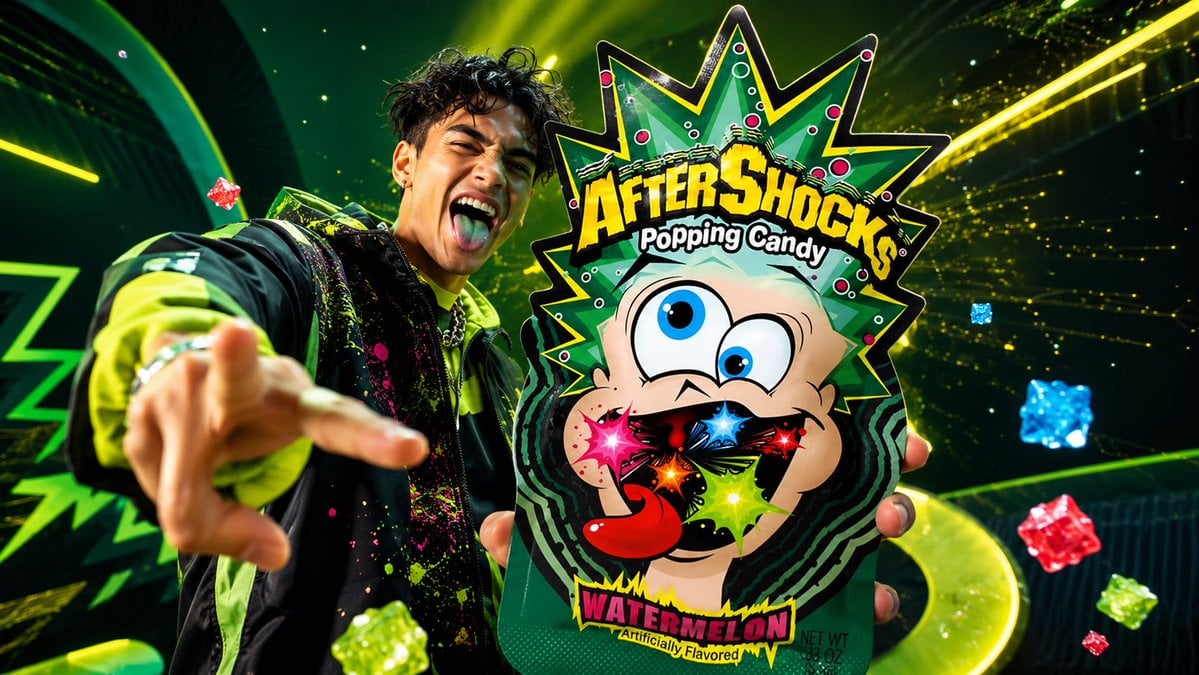 GPT ImageUse the uploaded product image as the one and only produc...@AZIZ | AI 🇸🇦
 GPT ImageDesign a premium, ultra-realistic commercial advertising ...@Abkr Sadiq
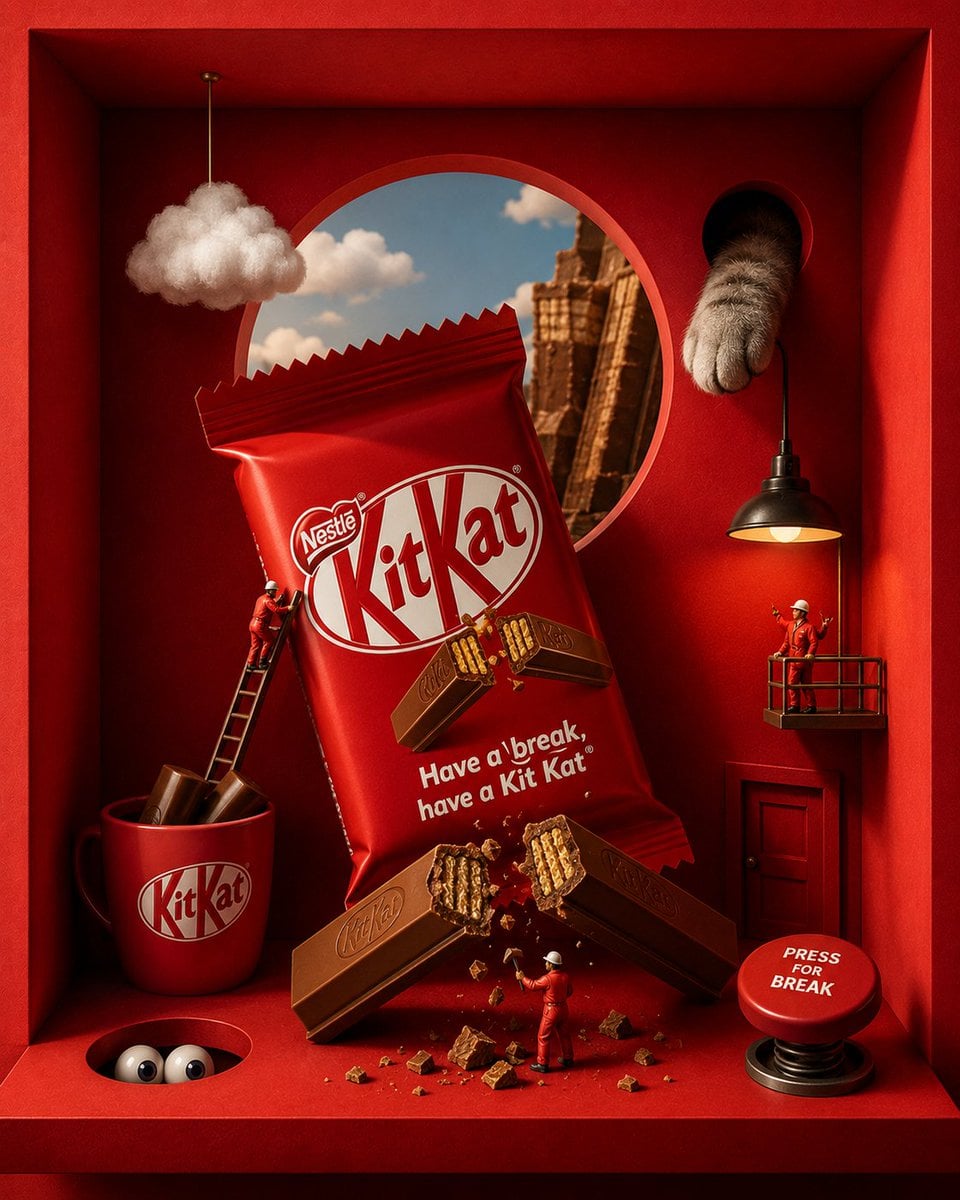 GPT ImageACT AS: A world-class luxury commercial art director, surreal product photographer, cinematic set designer, and premium AI advertising stylist creating hyper-detailed boxed-diorama brand ads for famous snack and candy brands.@Mira
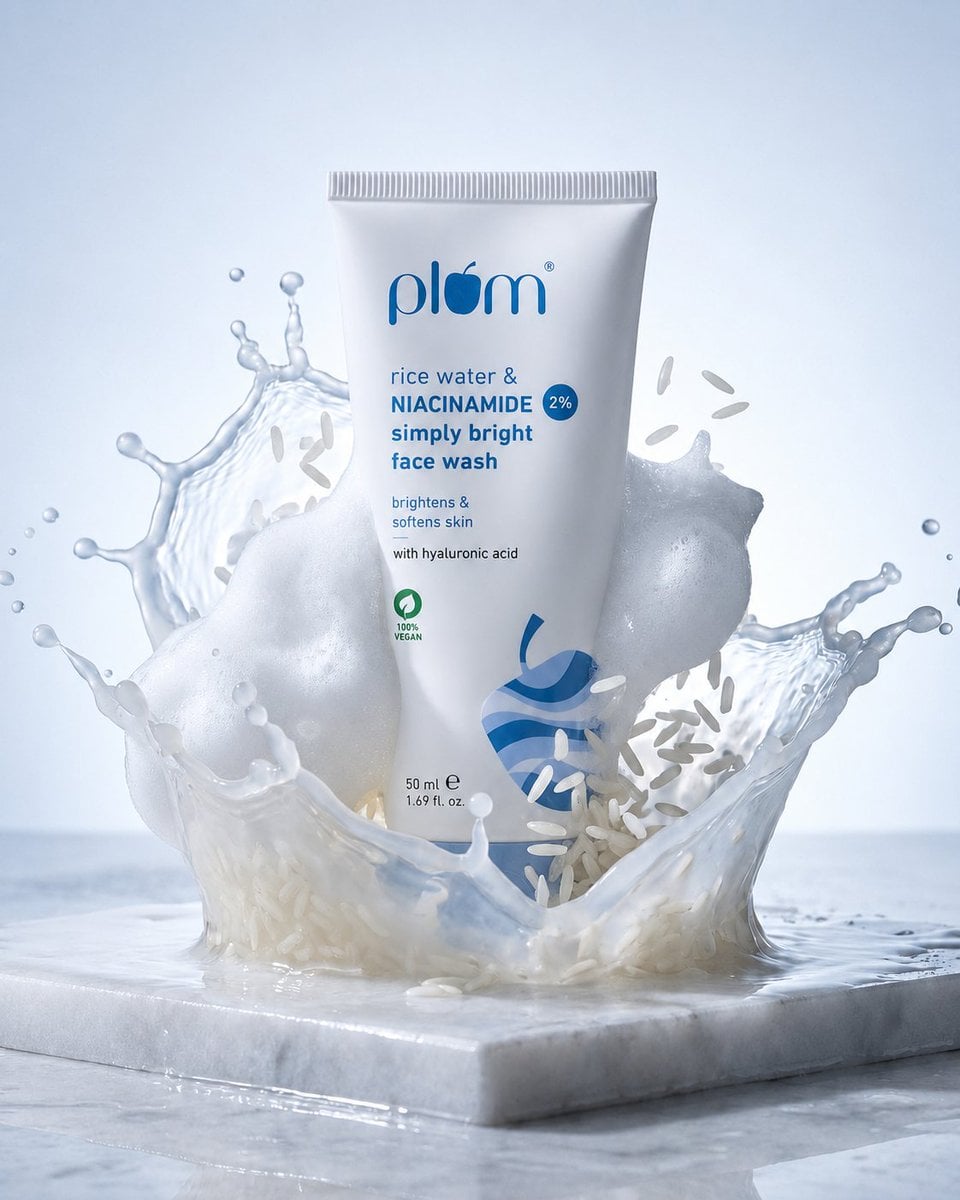 GPT ImageMeiGen Product Prompt 2063093177972932750@Maercih