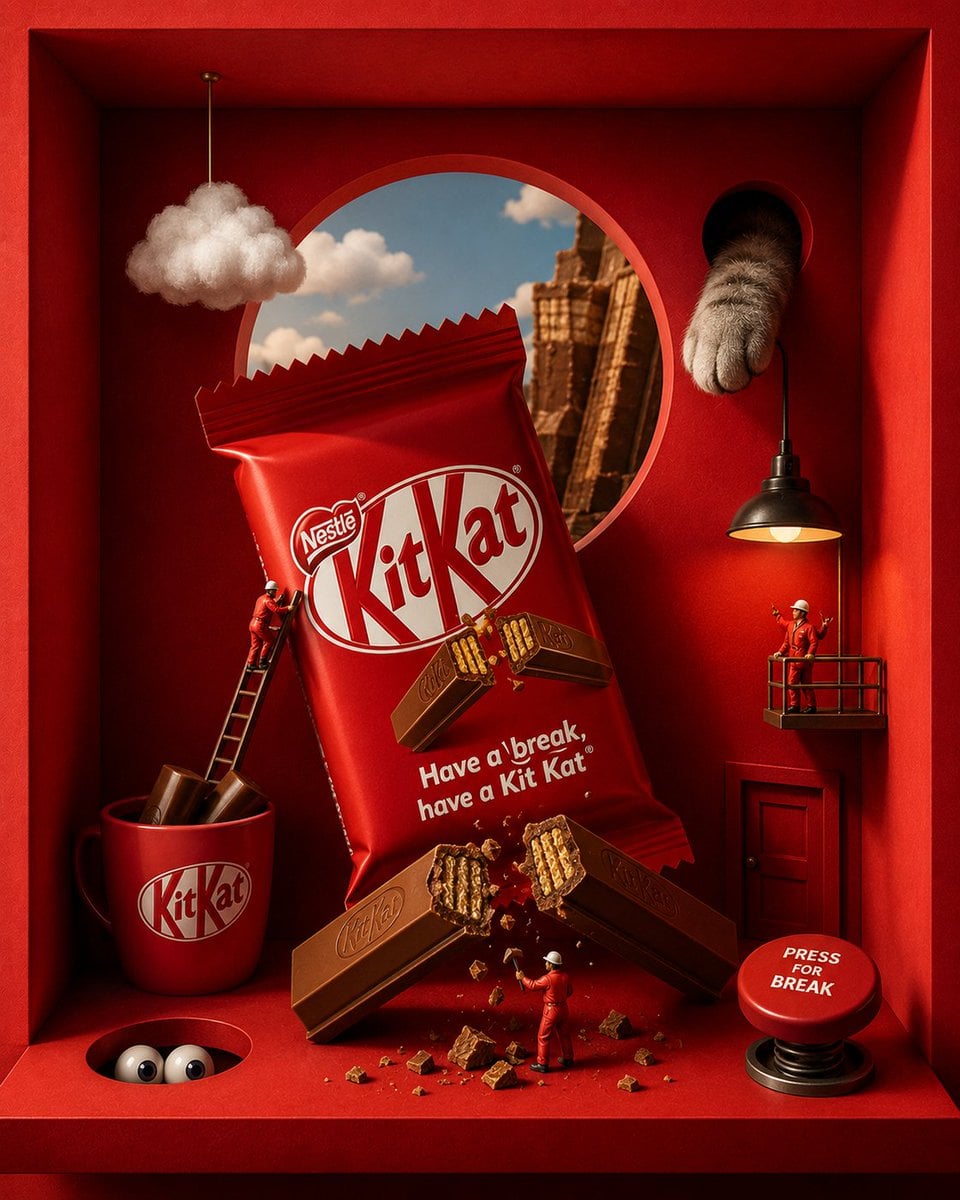
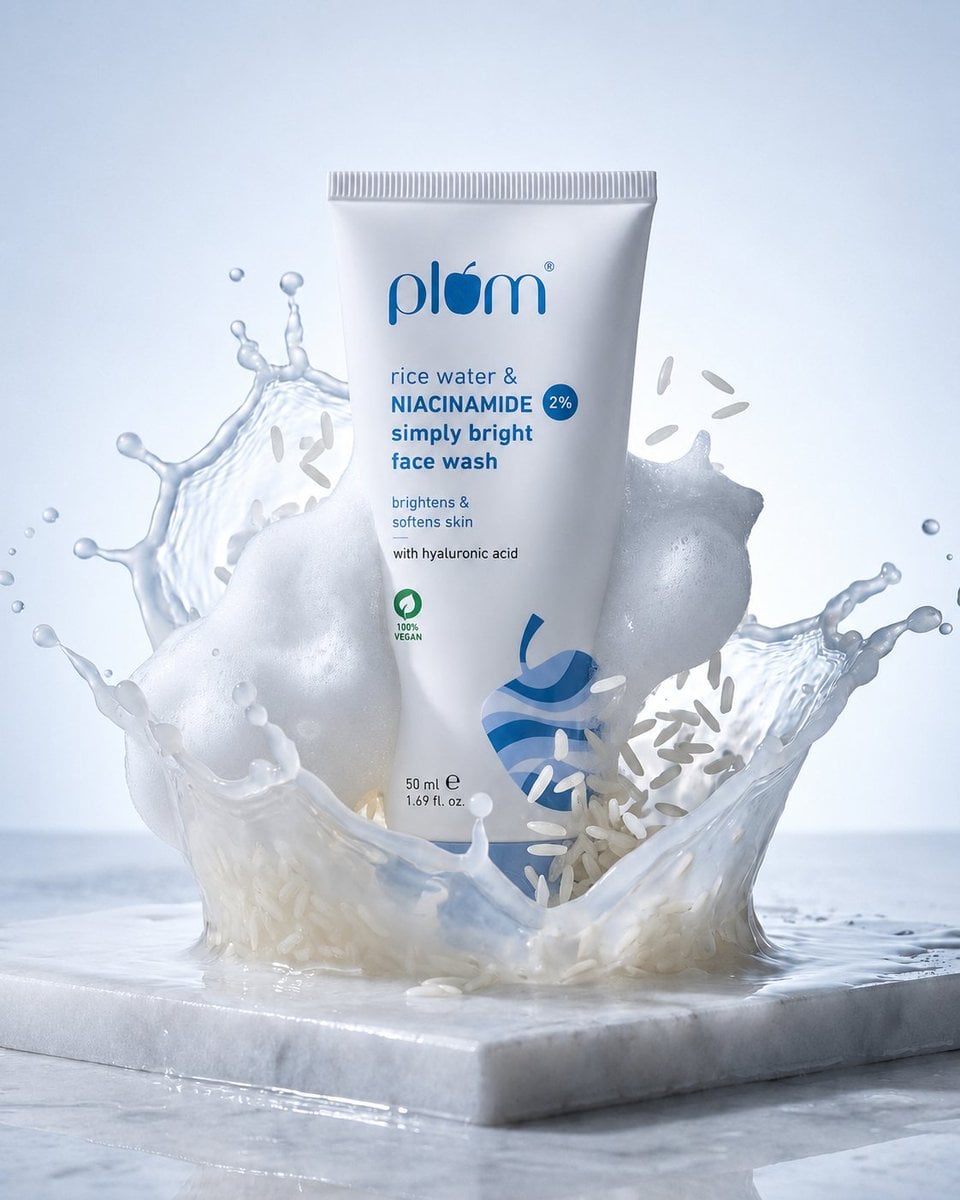
REFERENCE IMAGE INSTRUCTION: Use the uploaded product photo as the exact source of truth for the product's appearance, color, finish, branding, and form factor. Do not invent or alter any product detail. Reproduce it with photorealistic precision. --- Create a photorealistic premium [PRODUCT CATEGORY] campaign poster in a 4:5 vertical aspect ratio. Design it as a clean global OOH, digital, and social campaign layout with strict grid alignment, premium white space, and precise typography. The campaign idea is "your healthy skin 's secret," but do not render that phrase as visible text. Use a strict 12-column poster grid with 6% outer margins. Keep all text aligned to this grid. The image has four layers: background shape, giant background typography, subject/product photography, and clean graphic text overlays. BACKGROUND: Pure matte white canvas. Place one large rounded-rectangle block behind the subject, occupying roughly 70% of the poster height and 76% of the width, centered slightly above the middle. The block uses a controlled baby pink gradient, glowing gently from top-left to bottom-right. Behind the subject and product, place giant cropped typography reading "kojic acid and turmeric" in ultra-bold geometric sans-serif letters. The word is a background layer only: huge, partially cropped by the frame edges, wide letter spacing, darker baby pink than the rectangle, subtle embossed depth, soft shadow, and low enough contrast that it does not fight the product. SUBJECT AND PRODUCT: [DESCRIBE MODEL OR SUBJECT — e.g., "a female model with a clean editorial look, neutral confident expression, natural slightly wind-touched hair, muted off-white outfit"]. Shoot from a slightly low hero angle. Body angled for depth, face turned toward the viewer with direct eye contact. One hand extends toward the camera holding the product from the uploaded reference image. The product is the dominant foreground object, slightly tilted to reveal [kojic acid and turmeric cleansing pads — e.g., "the triple camera system, brushed titanium edges"]. Keep the product sharp with realistic surface reflections, material texture, faint micro-details, and soft bloom around premium features. Keep the model's face readable behind it. LIGHTING: Soft studio key light from front-left, warm rim light from the right, and subtle baby pink bounce from the background block. Skin remains natural and non-airbrushed with realistic catchlights. Product edges have clean [MATERIAL FINISH — e.g., "metallic / matte / glossy"] highlights. Shadows are soft and controlled. TYPOGRAPHY OVERLAY: All text must be flat, crisp, perfectly aligned graphic typography — not painted onto the scene. Render exactly these text elements once, with no extra text Mid left, glassmorphism pill: "[kojic acid and turmeric cleansing pads Large background type: "kojic acid and turmeric" Bottom right body copy, small clean sans-serif:
AutoAGC workflow
Turn it into a reusable workflow
Copy the prompt text and keep the role, task, model, style, and output constraints.
Paste it into GPT Image or a comparable model with your reference material or workflow brief.
Replace the final constraints for output format, brand voice, language, and execution objective.